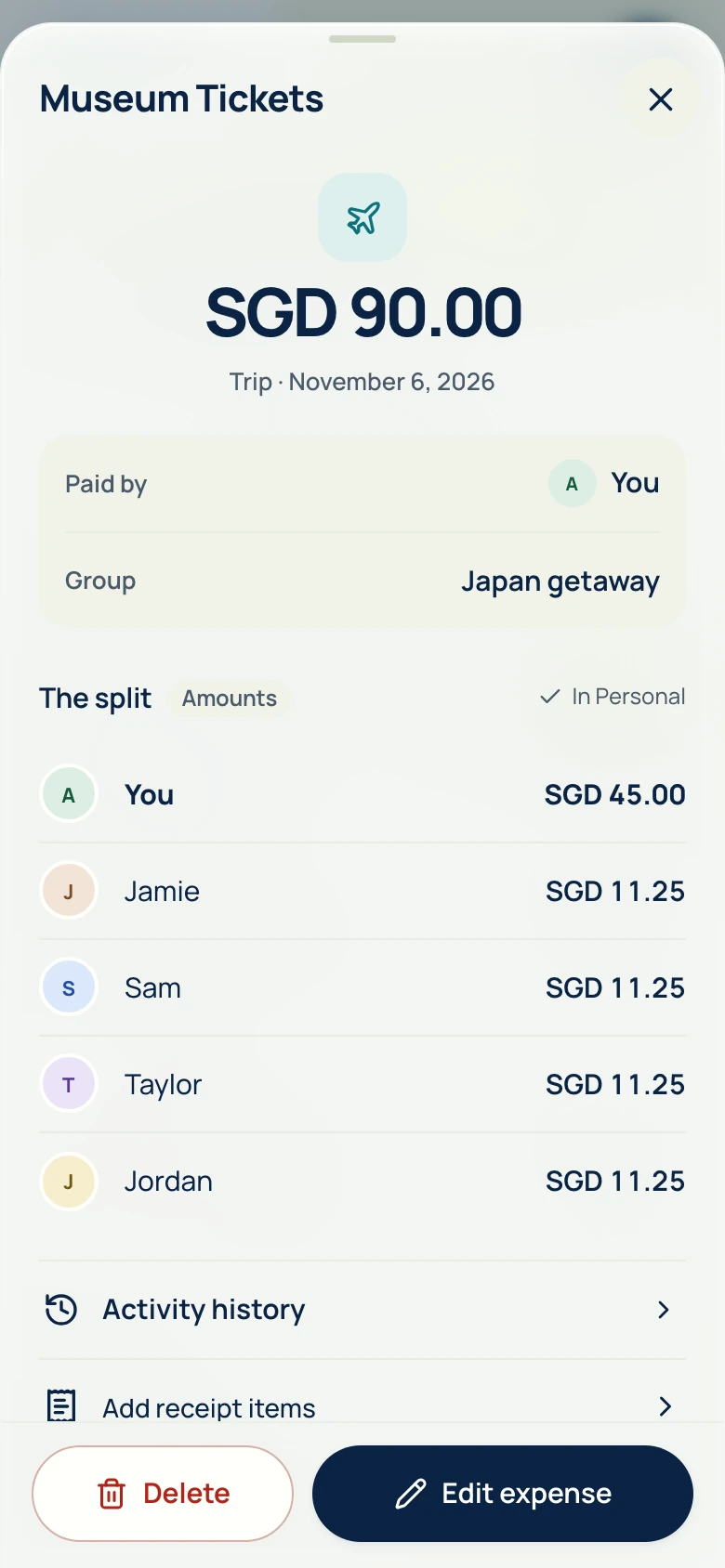
Your share, not the whole bill.
Pay for three, and only your third counts as your spending.
How personal spending works
Loading AA split…
Taking longer than expected.
Reload AA splitFree AI receipt scanner & bill splitter
Start free. No payment card needed.
Actual app screens. Sample data. Swipe to explore. Hold to enlarge.Drag or scroll sideways. Click to enlarge.
Pay for three, and only your third counts as your spending.
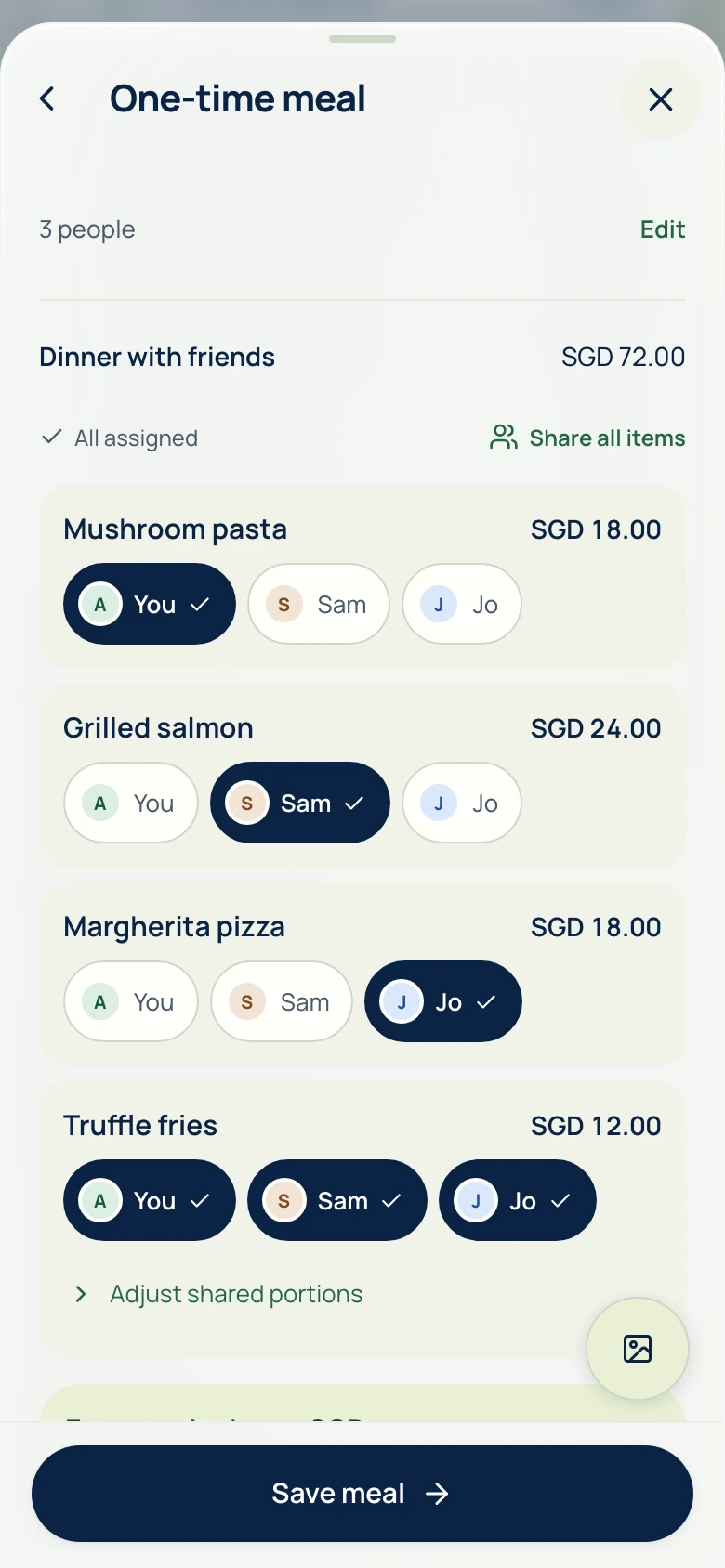
How personal spending worksAI reads the items. You choose who had what. Free AI scans every day; unlimited device OCR.
How receipt reading works
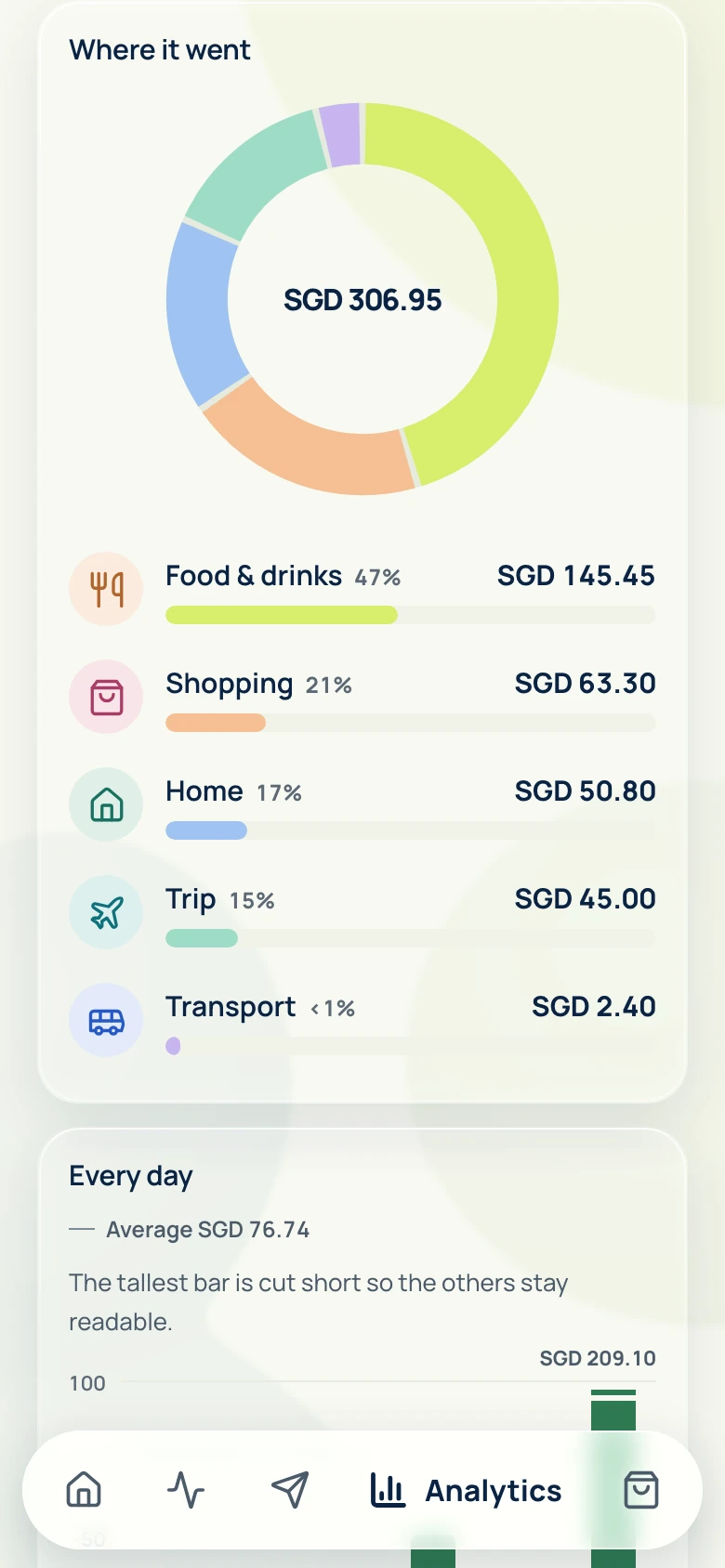
Categories, trends, top purchases and daily averages. Personal expenses and your group shares, together.
Explore spending insights
Track supported Singapore payment alerts or Apple Wallet card transactions on compatible iPhones. Review the expense, then split it with your group.
Set up automatic trackingKeep ongoing costs in a group, or share one meal’s breakdown by link.
Type it, scan the receipt or send it in Telegram.
See who pays whom, pay your usual way, then record it.
Daily reference rates with no markup, or the rate your bank charged.
How it worksDaily reference rates. Your bank’s rate and fees may differ.
Currency estimated from your device region
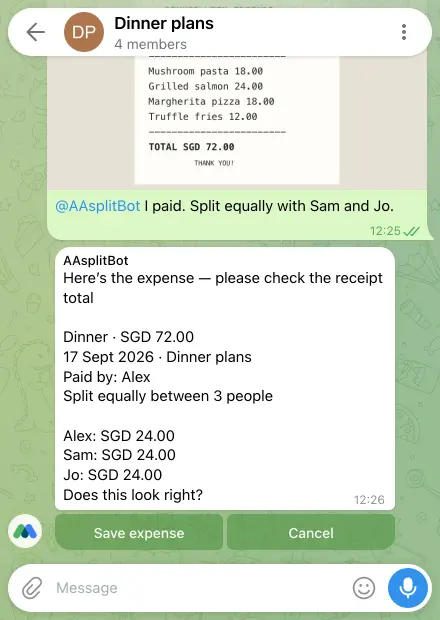
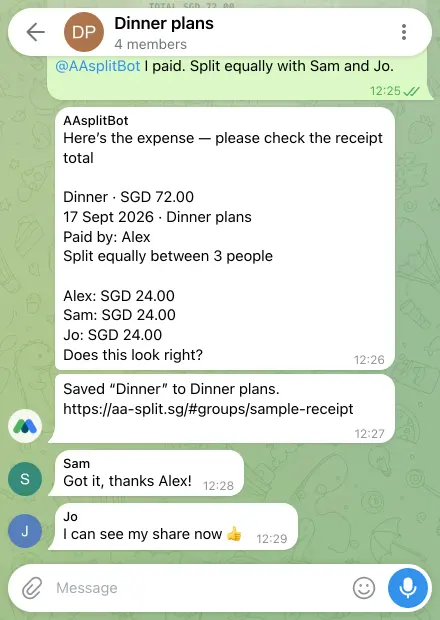
Add @AAsplitBot to your group, then send a receipt or “I paid 48 for dinner”.
Explore Telegram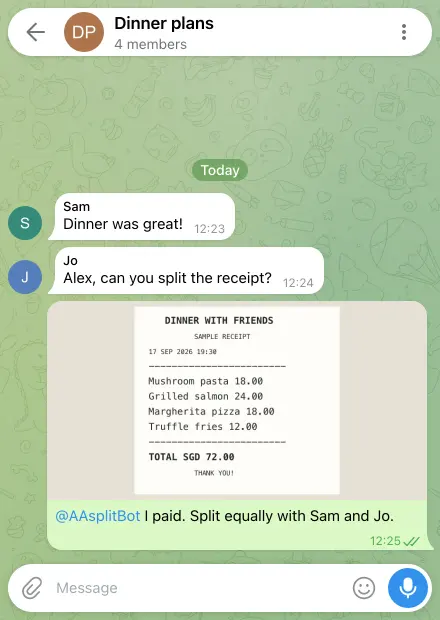
Itemized bill splitting, a personal expense tracker and detailed analytics—all in one app.
Swipe or scroll to compare all three apps
| Feature | AA split | Splitwise | Tricount |
|---|---|---|---|
| Scan & split receipt items | IncludedDevice OCR or AI + item assignment; AI scans free each day, then AA credits | Paid planReceipt scanning and itemization with Pro | AvailableEnter totals and shares; attach photos |
| Personal expense tracking | IncludedPrivate expenses + your share of group bills | AvailableOne-person group; support guidance from 2014 | AvailableGroup insights; Personal mode retired |
| Spending analytics | IncludedCategories, trends, top purchases & daily averages | Paid planCategory charts and trends with Pro | IncludedGroup category pie chart |
| Export or share records | IncludedDownload CSV, Excel and PDF yourself | IncludedExpense spreadsheets | AvailableCSV or ODF through support |
| Daily expense limit | IncludedNo plan-based daily cap | Paid planFree plan: up to 4 a day | IncludedNo daily cap |
From each app’s official pages, checked Oct 18, 2026. Sources and details
Why I built it
I kept finding everyday bill-splitting features behind expensive paywalls. I wanted a more affordable way to share meals, plan trips, and keep track of what I’d paid.
So I built AA split with receipt scanning, automatic splits, and built-in exchange rates to take the typing and maths off your hands.
AA split is a free bill splitting and personal expense tracking app for friends, couples, housemates and trips. Split bills, track only your own share, and export your records. The official website is aa-split.sg.
Anyone who shares costs, anywhere: friends splitting meals, trips and road trips, couples, roommates and housemates, students, families, colleagues, clubs, event organizers and people sharing subscriptions. It also works as a free personal expense tracker that counts only your share of group bills.
“AA” is common shorthand, especially in Chinese-speaking communities and Southeast Asia, for splitting a bill so each person pays their own share, much like going Dutch. AA split helps you do that fairly, item by item, in any currency.
Yes. Use it on its own as a free expense tracker: type, scan or chat to add purchases, then see categories, trends, top purchases and daily averages, and export to Excel or PDF. When you split a bill, only your share counts as your spending.
Choose AA split when you want itemized receipt splitting, personal expense tracking and detailed analytics in one app. Manual entries have no daily cap, and analytics, Splitwise CSV balance import and CSV, Excel and PDF exports are free. Compare split methods, scanning allowances and currencies against your group’s needs; our comparisons link to official sources.
AA split connects the whole process: scan a receipt, assign each item, track what the group owes and understand your own spending. Personal analytics counts your share, not everything you paid upfront. AA assistant can draft expenses, suggest categories and explain spending in the app and Telegram; you review changes before saving.
Apple Wallet auto-tracking works on compatible iPhones when card transactions supply Amount and Merchant. Singapore users can also track supported bank and wallet notifications. Notification tracking for other home countries is coming soon because each app needs its own supported format. Manual entry and receipt scanning are always available.
No. Use AA split in your browser or add it to your home screen. See Get the app for iPhone and Android availability. Choose Use in your browser to create an account.
Yes. Splitting, manual expenses, analytics and exports are free, with no subscriptions, no ads and no daily manual-entry cap. AI receipt scans are free each day and AA assistant has a monthly AI allowance; after that, optional prepaid AA credits pay for more, and they never expire. Device OCR stays unlimited.
Yes. Import a supported Splitwise group CSV, select your name and review the opening balances. Keep the original statement as a read-only reference, then add new AA split expenses and repayments to the same group. Opening balances and historical rows are kept separate from new spending to avoid double counting.
Open your group’s options in AA split and choose Telegram. Connect your account, tap Start in Telegram, then return to choose your Telegram group and add the assistant. Each friend links their own account privately; one Telegram chat connects to one AA split group.
Send an expense or receipt, review the split and save it to your connected AA split group. You can also ask about the group’s spending and balances. Telegram is optional; you can do your bill splitting in the app.
No. Group replies use that group’s shared data. Your personal spending stays in your private chat with the assistant. You can set the bot to Read only or Paused, or disconnect it in Telegram settings.
Keep expenses in their original currencies, or convert them using daily mid-market reference rates with no AA split markup. Choose the expense-date rate, the latest available rate, or your own bank rate. Review the conversion before saving.
Not always. Daily mid-market rates are a reference for splitting expenses. Your bank’s rate and fees may differ. The published date is shown, and weekends or holidays may use an earlier rate. Enter your bank’s rate to match what you were charged.
Yes. Use it for meals, household bills and group trips wherever you and your friends are. You can record expenses in different currencies; available conversion rates depend on the currency and date.
Yes. Assign receipt items to the people who had them, and share dishes between the people who ate them. For other expenses, split equally or use custom amounts, percentages or shares.
Take a photo or upload a receipt, then check the items and total before splitting. The online scanning provider is shown before you agree to send a photo. Saving a one-time meal opens its review page, where you can check each share and share the link once it has synced.
No. Pay through your usual bank or payment app, then record the repayment in AA split to update the balances. Neither AA split nor the Telegram assistant can move money from your bank.
Sign in to create a one-time meal. Guests can open its private link without an account for seven days. Share it only with the people involved.
Yes. CSV, Excel and PDF exports are free. Choose the records you need, then download a copy to keep or use in your own tools.