
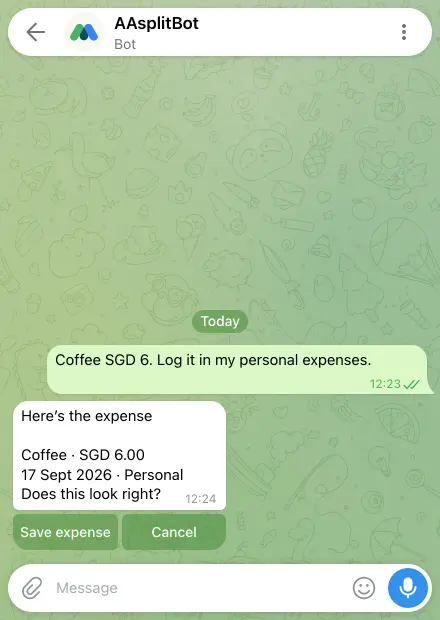
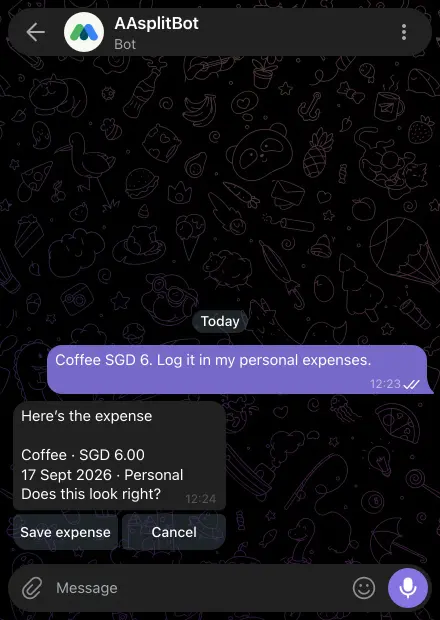
Turn a message into a draft
Describe who paid, the amount, currency and who shared it. For several payers, state each contribution.
- Open Assistant in the app or your connected Telegram conversation.
- Read the proposed expense, edit, deletion or repayment record.
- Confirm only after checking the details. A repayment here records a payment; it does not initiate one.
Start with history-based categories
Straightforward parsing and history/keyword category suggestions do not use your AI allowance. Review the suggested categories, especially for merchants that sell several different things.
Choose AI only when it helps
Optional AI sorting uses your shared allowance for batches of up to 20 unmatched expenses. After that explicit choice, names, amounts and currencies are sent to the processor; suggestions still require confirmation. Every account gets free AI receipt scans each day, and a monthly AI allowance for AA assistant and category help, shared between the app and Telegram. Beyond those, optional AA credits pay for more, or you can wait for them to come back. Manual entry and device OCR stay unlimited. Usage depends on processing cost, so the number of messages varies. Failed requests, basic chat, manual entry and device OCR use none of it.
See Get the app for mobile availability. See what’s free · Privacy notice