
Choose a split that fits
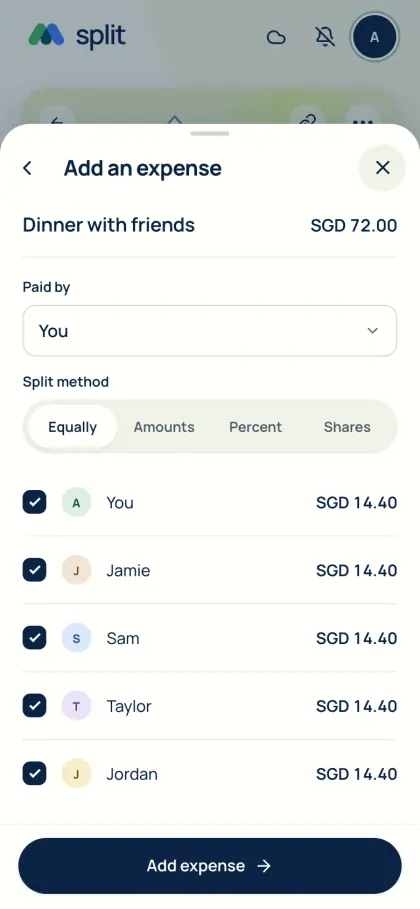
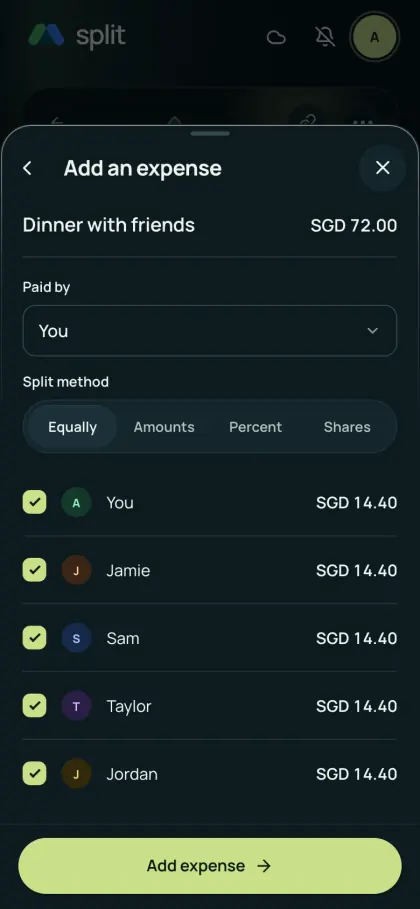
Equal splits work for shared basics. Use exact amounts for fixed contributions, percentages for an agreed ratio, or weighted shares when participation differs.
- Create a group and add the people involved.
- Enter the amount, currency and person who paid. Select only the people sharing this expense.
- Choose equal, amount, percentage or shares; check that the allocation matches the total before saving.
Let the next bill change the balance
Someone else can pay for groceries tomorrow. The running balance accounts for both bills, so you do not need to reimburse every purchase separately. When several people contributed to one bill, tell the assistant their contributions and review its draft. The new manual form selects one payer.
Send a reminder when you are owed
Review a joined member, group and exact currency amount before sending a repayment reminder. They receive it in AA split and an available connected channel. Reminders do not use your AI allowance, do not move money and do not record payment. Sync first; reminder limits apply.
Finish with a recorded repayment
Check who should pay whom, pay through your bank or payment app, then record that repayment. AA split does not send money or verify bank completion. Finalizing a settled round locks its records, so review first.
See Get the app for mobile availability. See what’s free · Privacy notice