

Put each order with the right person
Use Split a meal above, or open One-time meal in the app. Read the receipt with device scanning, use optional online AI, or type the items yourself. A scan gives you a starting point; you check the bill.
- Take or upload the receipt, then check item names, quantities, amounts and currency.
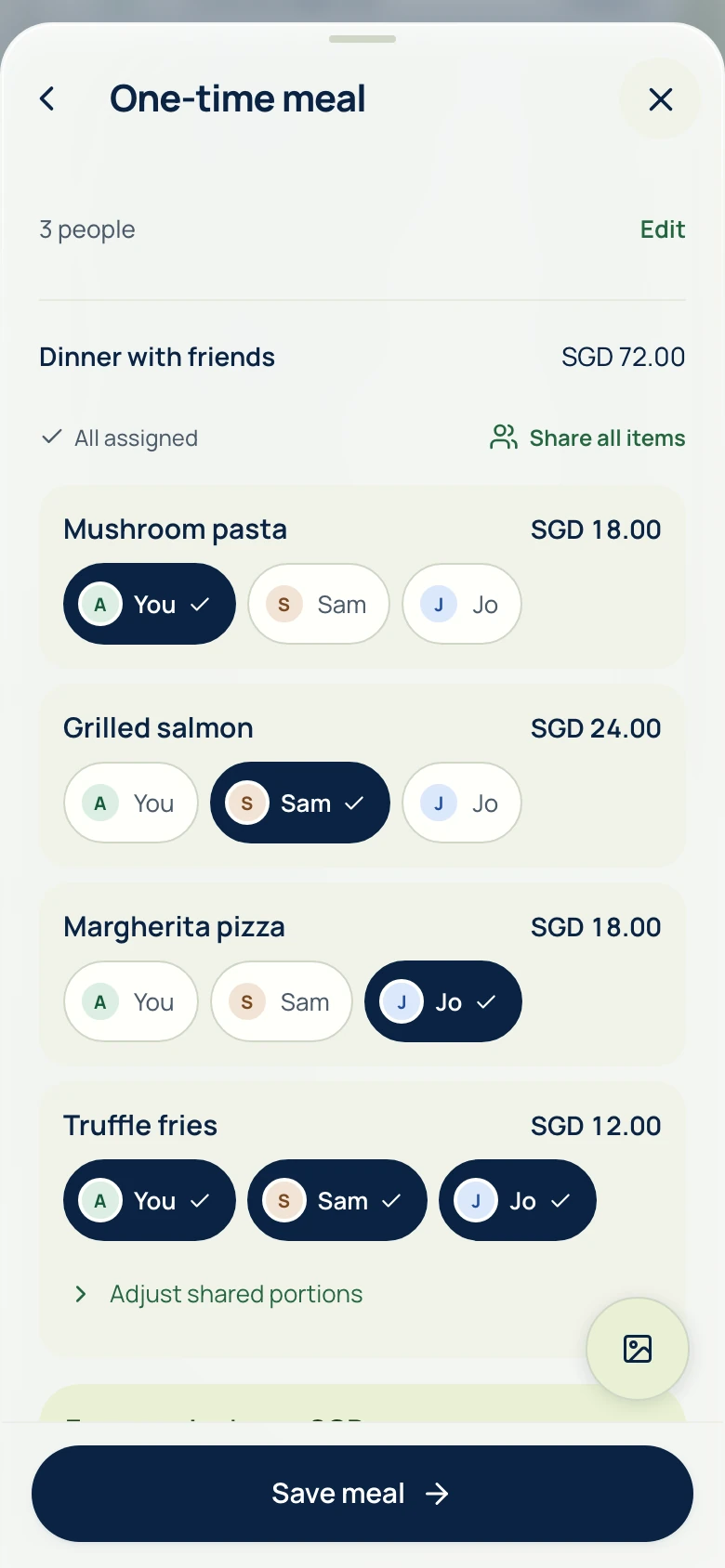
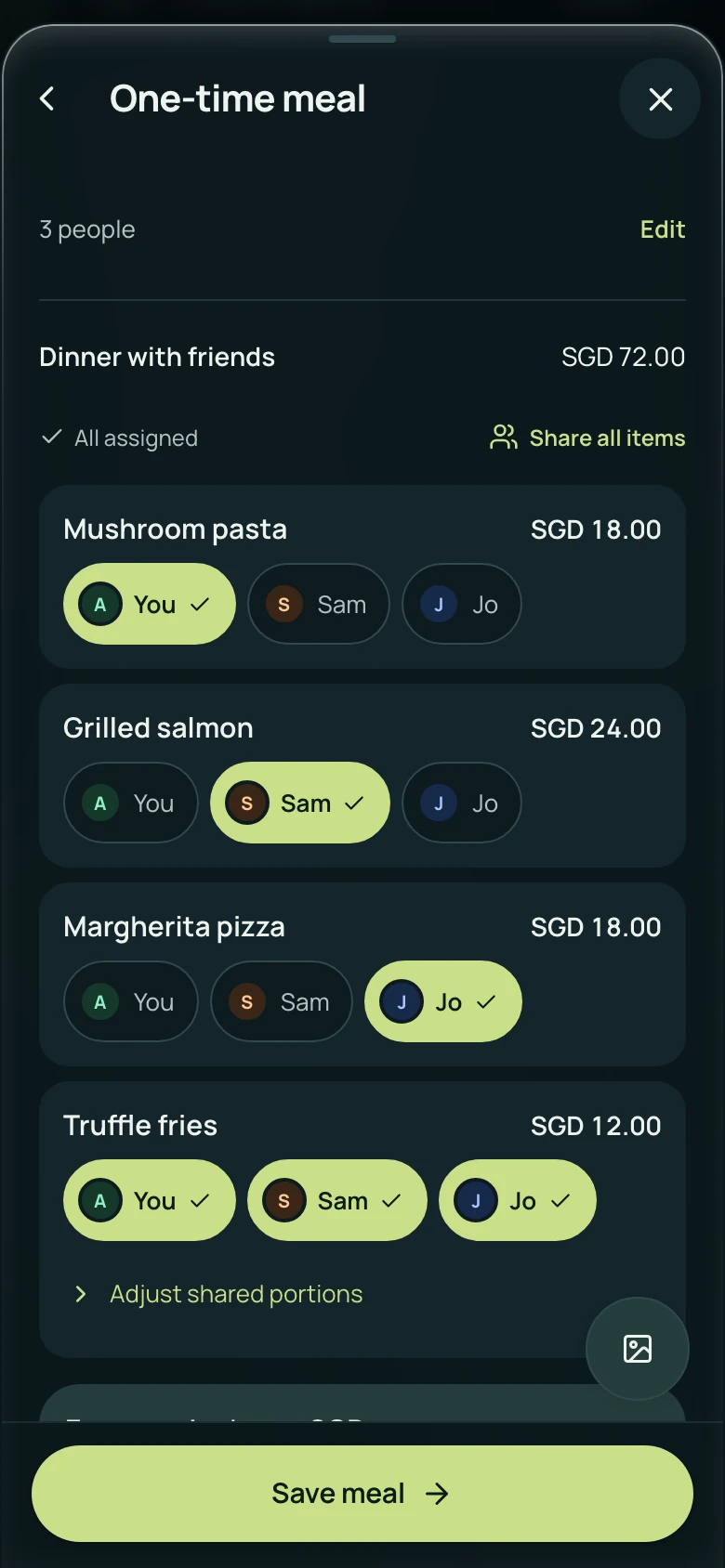
- Add everyone’s name. Assign individual orders to the people who had them, and shared dishes to everyone sharing them.
- Check tax, service and other adjustments. Match the final total to the receipt.
- In the browser, choose Generate share link and sign in when prompted. If you are already signed in, choose Create share link. In the app, choose Save meal.
Send the link. Keep the table moving.
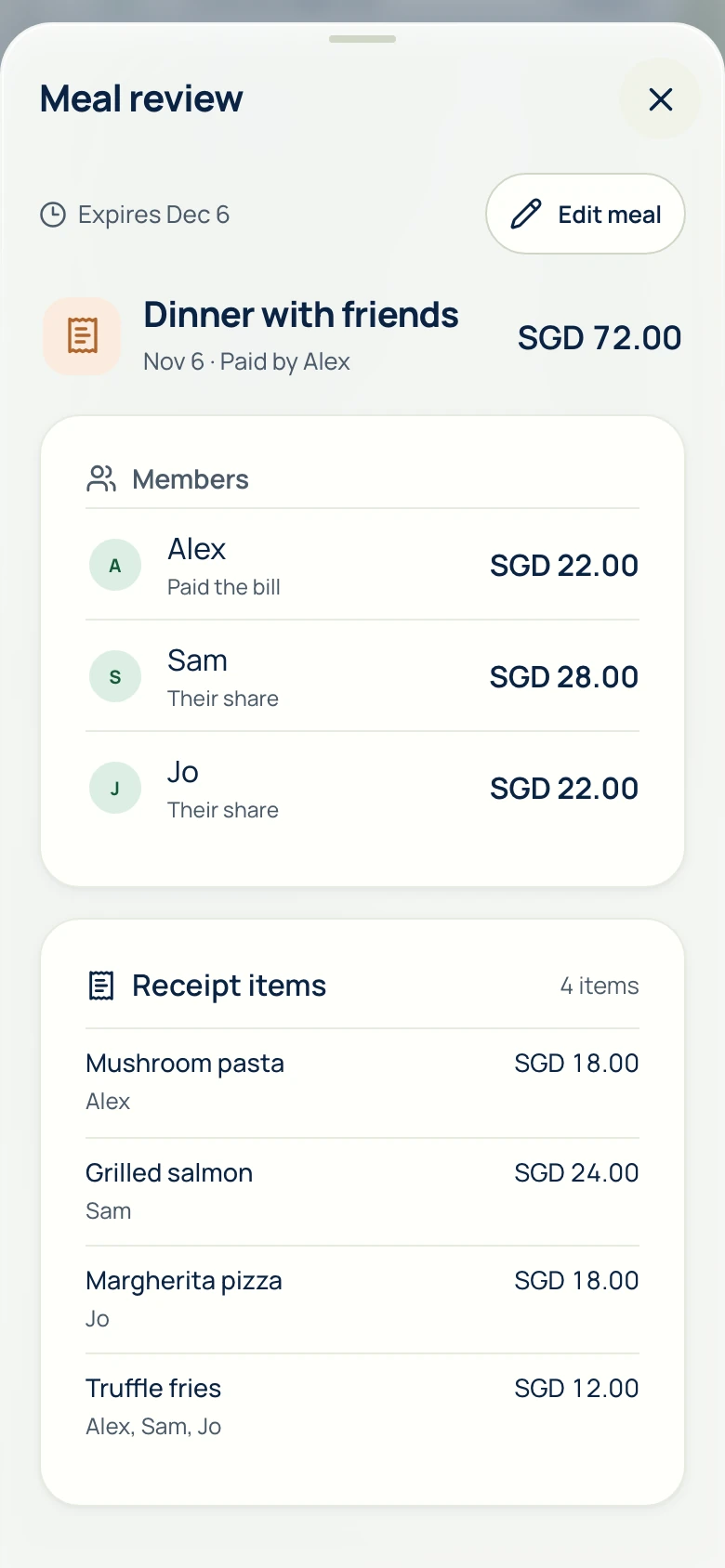
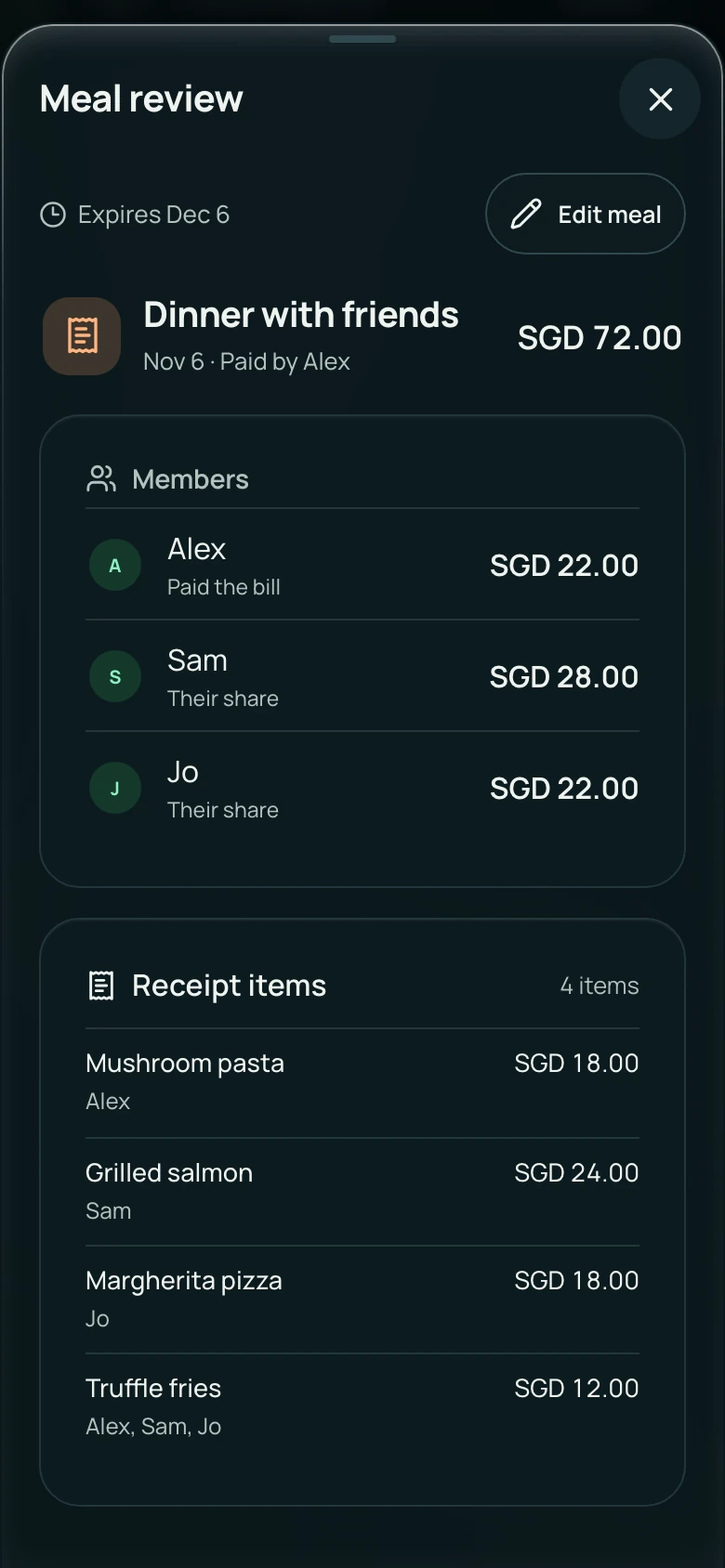
In the browser, choose Copy link, or Share when available. In the app, choose Share meal from meal review. Send it through your usual chat. Friends can open the link in a browser and see the names, available receipt photo, items and shares. They do not need an account to view it.
- The creator checks and changes the item assignments. The shared link is a read-only view; guests do not edit the bill.
- Sharing closes after seven days. You can stop or replace the link in Review link settings, or reopen sharing from Personal expenses after it expires.
- Anyone with the link can view its shared details, so send it only to the people who need it. Saving a share to Personal expenses requires sign-in.
View in a browser · no account to view · seven days
Just dinner, or the start of a group
Use a one-time meal when you only need to split this receipt. For housemates or friends who take turns paying, create an ongoing group so later bills can change the balance. Pay each other through your bank or payment app; AA split never moves the money.
Common questions
Can I split a restaurant bill without making everyone sign up?
Yes. The person saving and sharing the one-time meal signs in. Friends can view the shared meal link in a browser without creating accounts. Saving their own share to Personal expenses requires sign-in.
Can friends choose or edit their items through the link?
No. The creator assigns and checks the items before saving the meal. The shared link lets friends view the bill and their shares; it does not let guests edit the assignments.
How long does the meal link work?
Sharing closes after seven days. The creator can stop sharing earlier, replace the link, or reopen sharing from Personal expenses after it expires. Anyone holding an active link can view its shared details.
Do I need to create a group for one dinner?
No. A one-time meal works for a single receipt. An ongoing group is useful when the same people share more costs or take turns paying.
Phone app availability is listed on Get the app. Privacy notice