
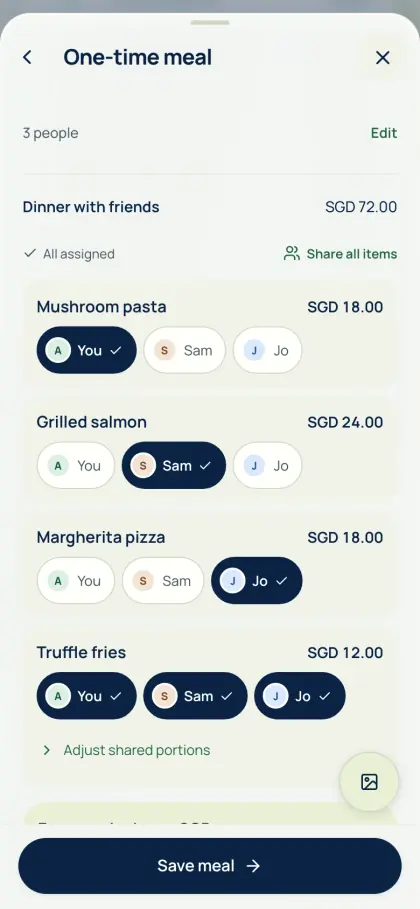
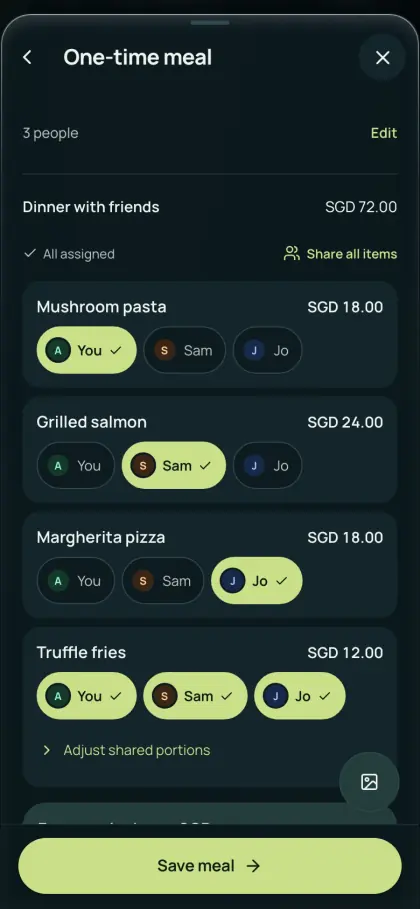
Lunch, split by order
Scan or type the receipt, assign each dish to the person who ordered it and check service and tax.
- Read the receipt with device OCR or optional online AI, or type the items.
- Assign individual orders and shared dishes, then match the total to the receipt.
- Sign in, save a one-time meal and send its link to the team chat. Colleagues view their shares without an account for seven days.
Gifts, offsites and the pantry
For a regular team, create a group. Record a farewell gift, offsite costs or shared pantry supplies with the people who took part, then review the running balance. AA split records contributions and repayments; it does not collect money or hold a team fund.
Keep your own copy for claims
If your employer reimburses a cost, export the relevant expenses as CSV, Excel or PDF for free and attach what your claims process asks for. AA split is not a corporate expense-management, approval or reimbursement system.
Common questions
How do I split a team lunch by what each person ordered?
Scan or type the receipt, assign each order to the colleague who had it and share any sides. Check service and tax, match the total, then save a one-time meal and send the link. Colleagues can view their shares without an account for seven days.
Can AA split handle company expense claims?
No. AA split is for splitting and tracking costs between people. You can export expenses as CSV, Excel or PDF for free and attach them to your employer’s own claims process.
See Get the app for mobile availability. See what’s free · Privacy notice