
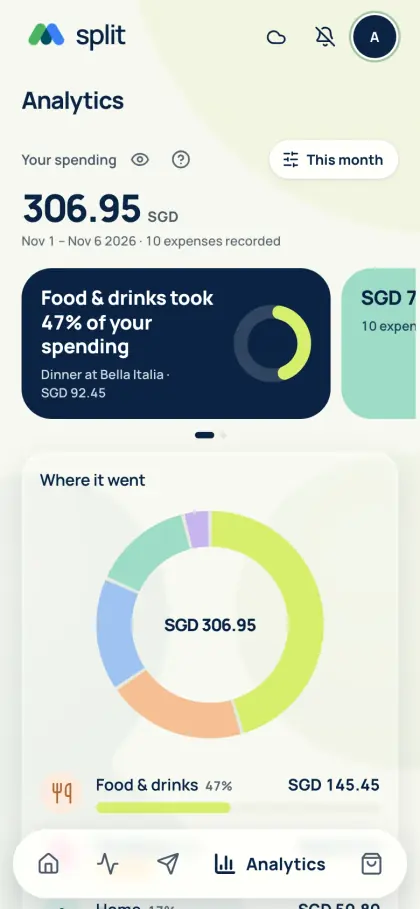
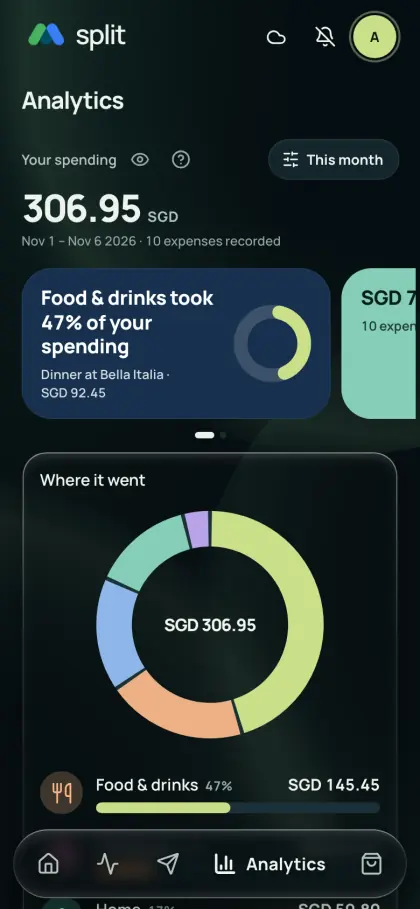
Begin with the records you need
You do not have to type the whole shared bill again to track your part.
- Add solo purchases to Personal.
- Check which saved group and meal shares are included; hide anything outside your chosen scope.
- Open source records when something looks wrong, rather than creating duplicate entries.
Turn categories into a useful review
Check monthly category totals and clean up unmatched expenses. History-based suggestions use no AI allowance; optional AI sorting requires an explicit choice and confirmation. Compare category totals across months to spot changes.
Know the gaps
Analytics reflects the expenses you record. Supported payment alerts can add expenses in Singapore; compatible iPhones can also use Apple Wallet card transactions. Notification tracking elsewhere is coming soon. Check for missing expenses and review conversion rates before exporting a monthly Excel or PDF report.
See Get the app for mobile availability. See what’s free · Privacy notice