
AA split
Get AA split on your device
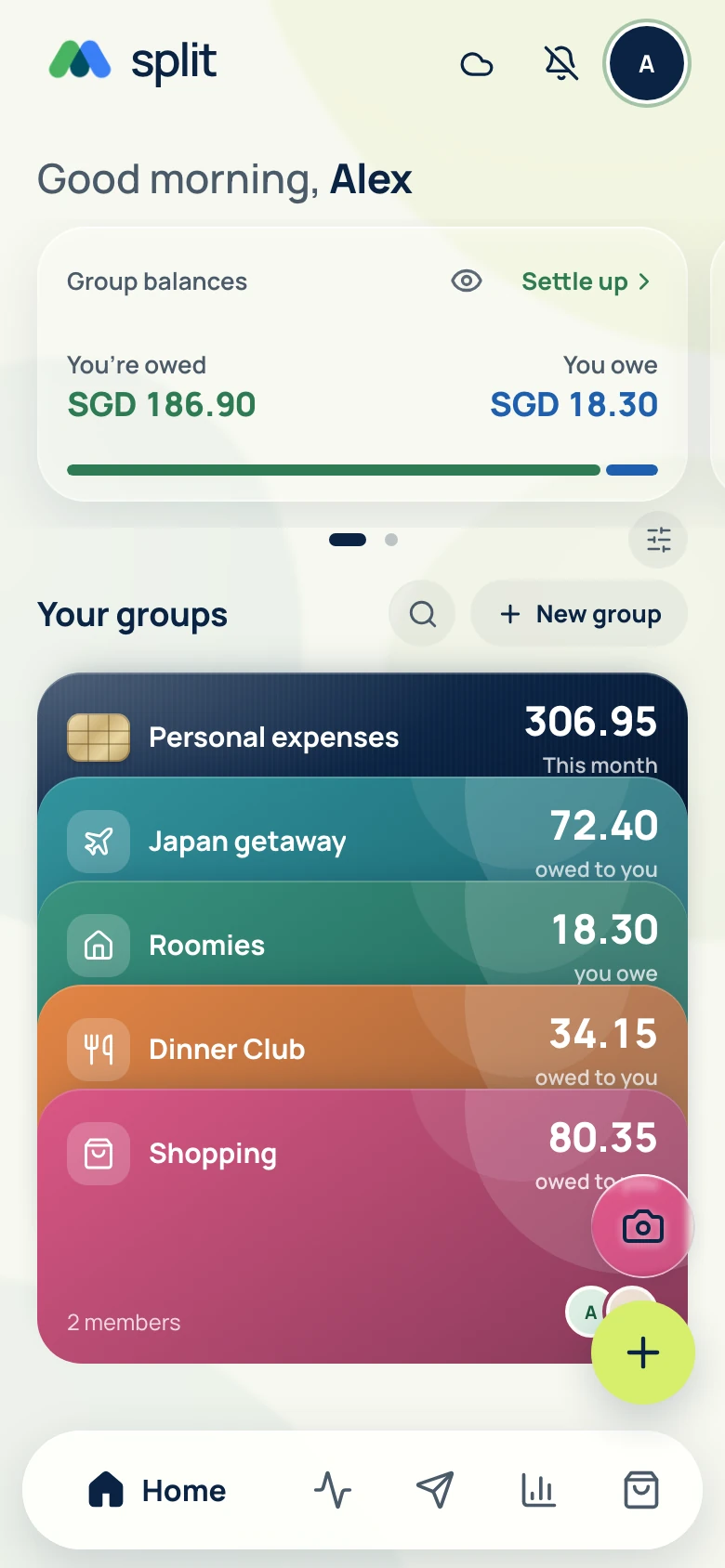
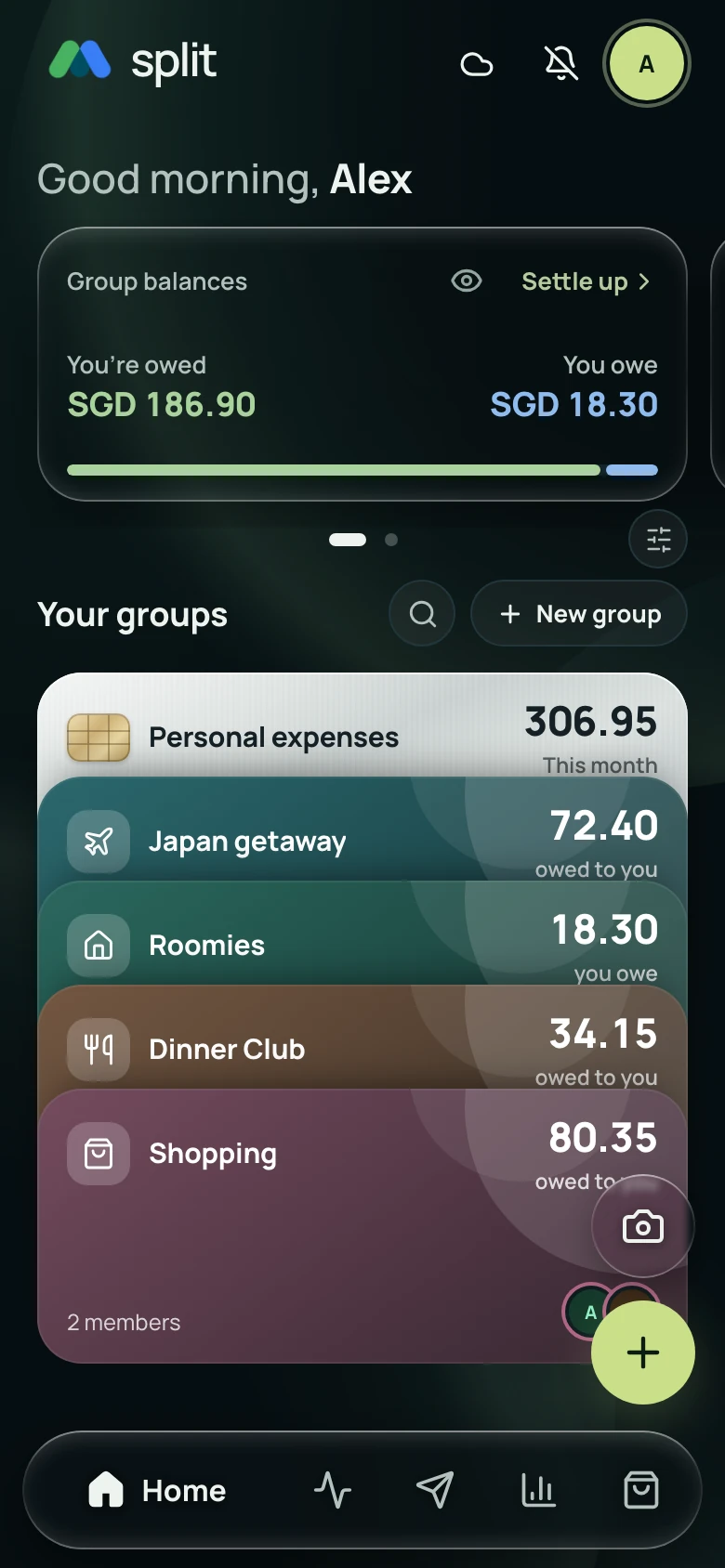
AA split (AAsplit) is the bill splitting and expense tracking app at aa-split.sg. Use the web app or follow the official iPhone and Android beta links below.
iPhone / iPad
Join the iPhone beta
Install TestFlight, then join the AA split beta. Apple shows the build available for your device.
1. Install TestFlight 2. Join AA split beta
Apple Wallet card-tap tracking uses Shortcuts on supported iPhones when the card supplies Amount and Merchant. Notification tracking is currently supported for Singapore home-country profiles.
Android
Join the Android beta
Use the same Google account in Google Groups, the testing page and your phone’s Play Store.
3. Install AA split
Once Google says You are a tester, tap download it on Google Play, then Install.
App not available or permission denied?
Check that all three places use the same Google account. Group conversations are private; use the About page to join. If you just joined, allow time for Google to update access, then reopen step 2.
If you opened this inside a messaging app, open it in Chrome first. Google Play still checks your account, country and device eligibility.
Use the web app while you waitSingapore home-country profiles can track supported payment alerts from selected apps. Notification auto-tracking is on hold elsewhere; manual entry and receipt scanning remain available.
Store access depends on your country and device. The links above still use testing channels until the public store release is approved. You can use AA split in your browser now.
Use the same account everywhere
Sign in with the same account on each device to see your saved expenses and available receipt photos. Open the capturing device online to sync any pending auto-tracked payments.
Start in your browser
You can use AA split without installing anything. Open the app, choose Create account and continue with Google. If you already have an account, sign in to use it on this device. The Free plan needs no payment card.
Add it to your home screen
On iPhone or iPad
Open AA split in Safari. Use the browser's Share menu and choose Add to Home Screen, then confirm Add. Your home screen shortcut opens the web app. If you opened this page inside a messaging app, first open it in Safari to access the browser's installation options.
On Android
Open AA split in Chrome and select Get the app on the homepage. If an installation prompt is available, confirm it. You can also use Chrome's menu and look for Install app or Add to Home screen. The wording depends on your browser and device.
On your computer
Use AA split in your browser, or use the browser's install option when available. In Safari on a supported Mac, you can use File, then Add to Dock. Installation options vary by browser; you can continue using the website if no option is shown.
Prepare before going offline
Sign in and load your groups while online first. You can then record expenses offline on that device. Download the needed language packs before scanning receipts offline. When you reconnect, keep AA split open so your changes can sync.
Keep your account and shared bills private
Use your own account when signing in on another device. Creating a one-time meal requires sign-in. Guests can review it without an account through its private seven-day link. Keep those links within the intended group.
See how to add your first expense, or explore the bill splitting features.