
Record costs as they happen
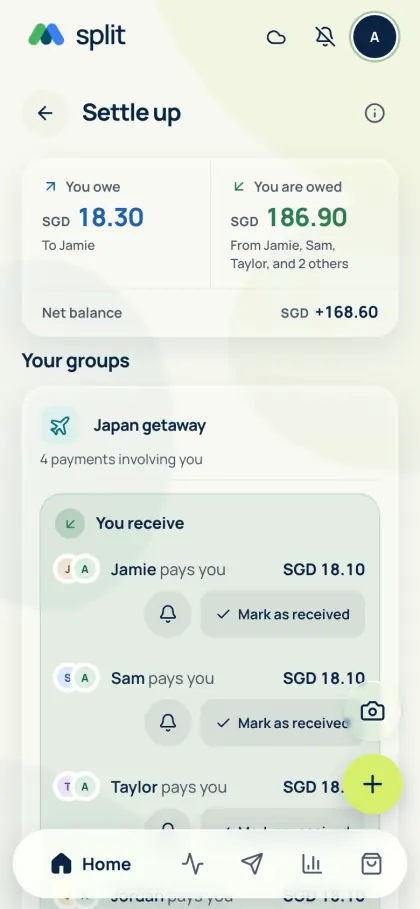
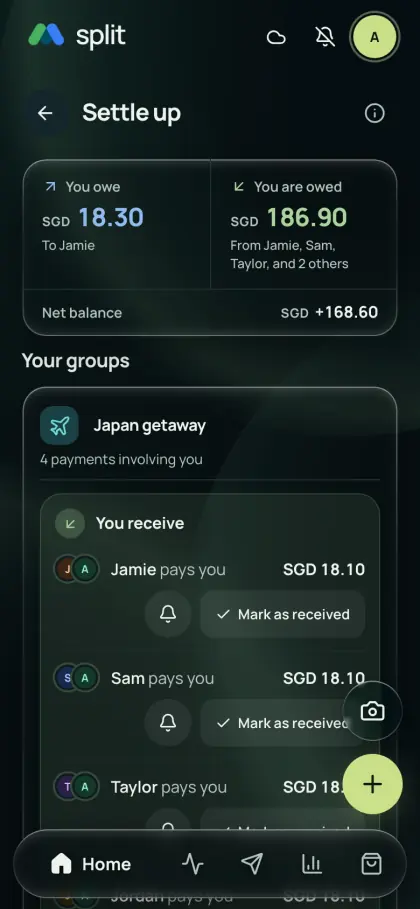
Different people pay for fuel, tolls and parking. Each expense keeps its own payer, so the running balance replaces a pile of receipts.
- Create a group for the trip and invite everyone travelling.
- Add rental, fuel, tolls and parking with the person who paid.
- Select only the people in the car for each cost, and use weighted shares when someone joins part of the trip.
No signal on the road
Load your groups online before you leave. Expenses entered offline save on the device and sync when you reconnect. Online AI, joining groups and settling rounds need a connection.
Crossing a border
Driving between countries? Record each cost in its original currency, then use a daily reference rate or the rate your bank charged. Export the trip as CSV, Excel or PDF before closing the round.
Common questions
How do we split fuel and car rental on a road trip?
Add each cost with the person who paid and the people in the car. Use weighted shares when someone joins only part of the trip, and let the running balance work out who owes whom before anyone settles up.
Does it work for a regular carpool?
Yes. Record a weekly recurring expense for a regular commute, or add each drive with the riders who joined. The running balance lets riders settle up weekly or monthly instead of after every drive.
Can I add road trip expenses without signal?
Yes, after loading your groups online on that device. Offline expenses save locally and sync when you reconnect. Online AI scanning and joining groups need a connection.
See Get the app for mobile availability. See what’s free · Privacy notice