
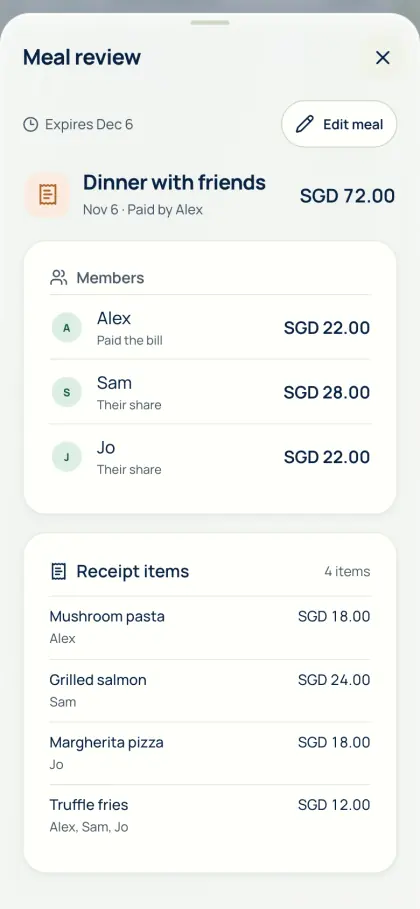
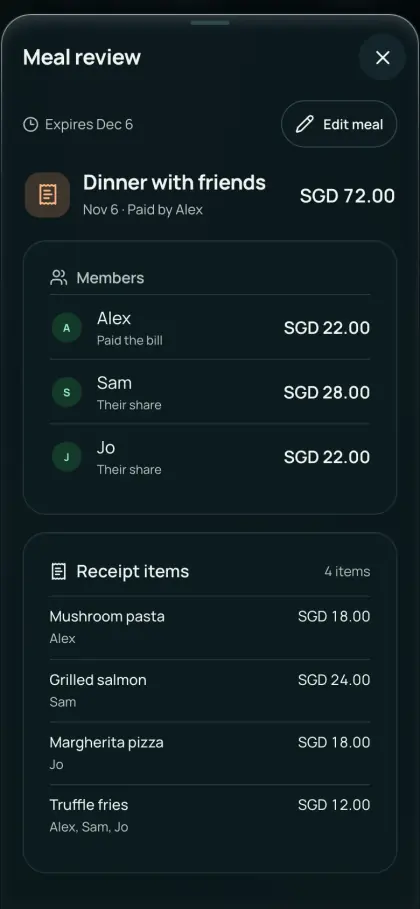
From order summary to shares
Read a receipt or order summary with device OCR or optional online AI, or type the items. A scan is a starting point; check every item and amount.
- Upload the receipt or an image of the order summary, or enter the items yourself.
- Assign each item to the person who chose it, and share items ordered together.
- Check delivery and service fees, discounts and tax, then match the total.
Send one link
Sign in to save a one-time meal, then send its link to the group chat. Friends view their items and shares without an account for seven days. For housemates who order together often, add the order to your shared group instead.
Pay back your usual way
Friends pay you through their own bank or payment app; record the repayment to keep balances current. AA split does not connect to delivery apps or move money.
Common questions
How do I split a food delivery order with friends?
Upload the receipt or order summary, or type the items. Assign each item, share the delivery fee and any discount, check the total, then save a one-time meal and send the link. Friends view their shares without an account for seven days.
Does AA split connect to food delivery apps?
No. AA split reads the receipt or order summary image you upload, or the items you type. Check every item and fee before saving.
See Get the app for mobile availability. See what’s free · Privacy notice