
Plan who shares what
An event group works best when each cost has an accountable payer and clear participants.
- Create a group for the event and add the organizers sharing costs.
- Record venue deposits separately from later purchases.
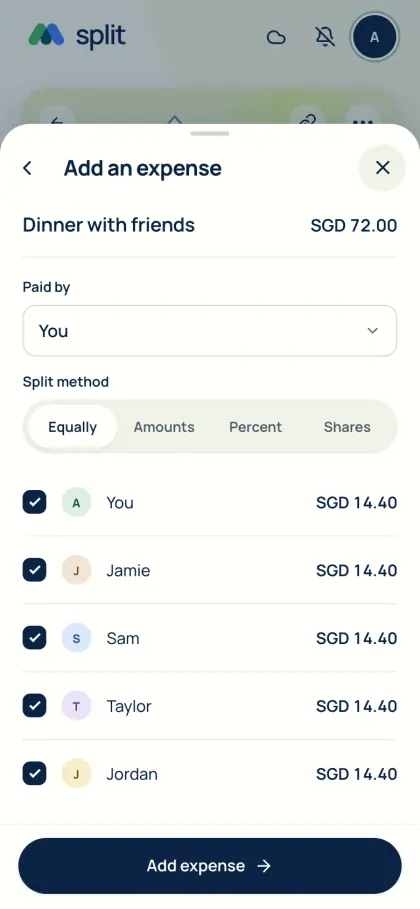
- Use exact amounts for agreed contributions and select participants per expense.
Keep evidence beside the cost
Attach or read receipts and check item assignments where needed. Choose photo retention to suit your review period; new images default to seven days, and plan limits apply. The saved expense details remain after a photo expires.
Review before closing
Check whether all purchases and outside repayments are recorded before finalizing. AA split is an expense ledger, not ticket sales, a fundraising account or a payment processor. Export the event’s group records for your own copy.
Common questions
Can we use AA split for a bachelor, bachelorette or hen party, a wedding or a birthday trip?
Yes. Create a group for the event, record deposits, activities and food separately, and select who shares each cost. That makes it easy to leave out the person being celebrated or anyone who skipped an activity.
How do we split a group gift?
Record the gift as one expense paid by the person who bought it and select everyone contributing. Use exact amounts if people chip in different sums. Friends pay back through their own bank or payment app, and you record the repayment.
See Get the app for mobile availability. See what’s free · Privacy notice