
Start with the bill you have
For one shared meal, open the free receipt scanner and bill splitter: enter items or scan the receipt, and assign shares before you sign in. For ongoing groups and Personal spending, create a free account first. No payment card needed.
Choose a one-time meal or a group
Use a one-time meal for a single restaurant visit. Use a group for regular dinners, a shared home or a trip, and invite the people involved so everyone sees the same expenses.
One restaurant bill, with a private link friends open in a browser for seven days.
Trips, homes and regular dinners, with balances that carry over until you settle up.
Add the expense and check the split
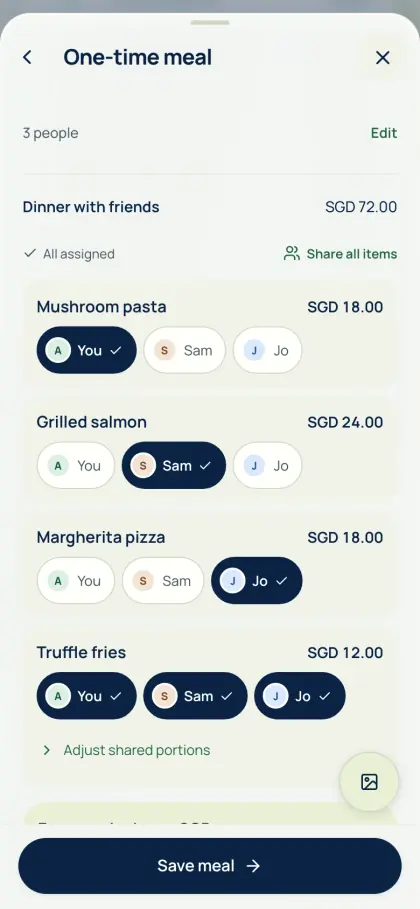
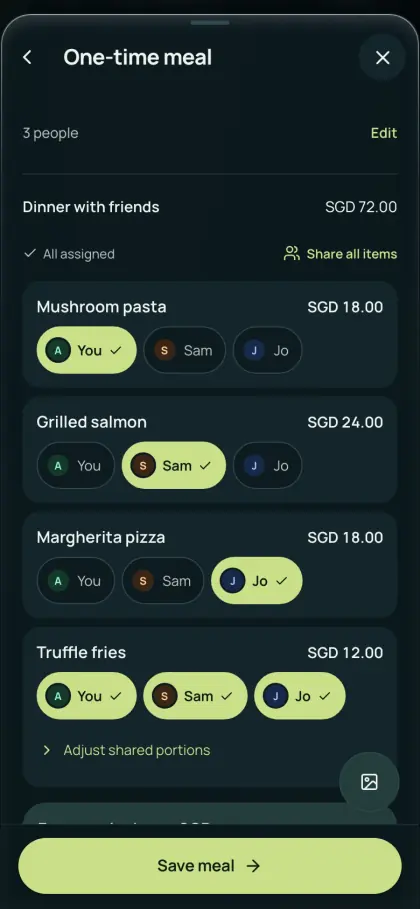
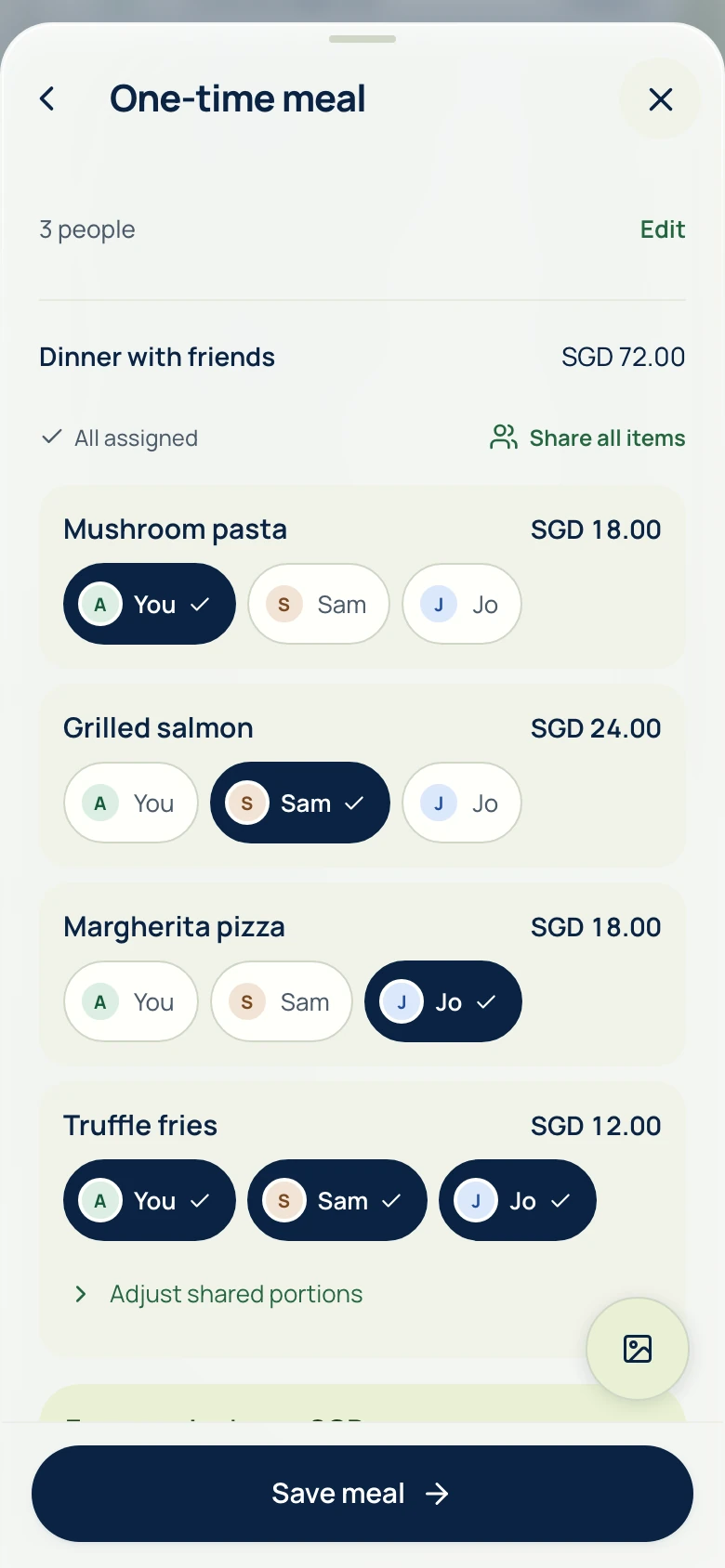
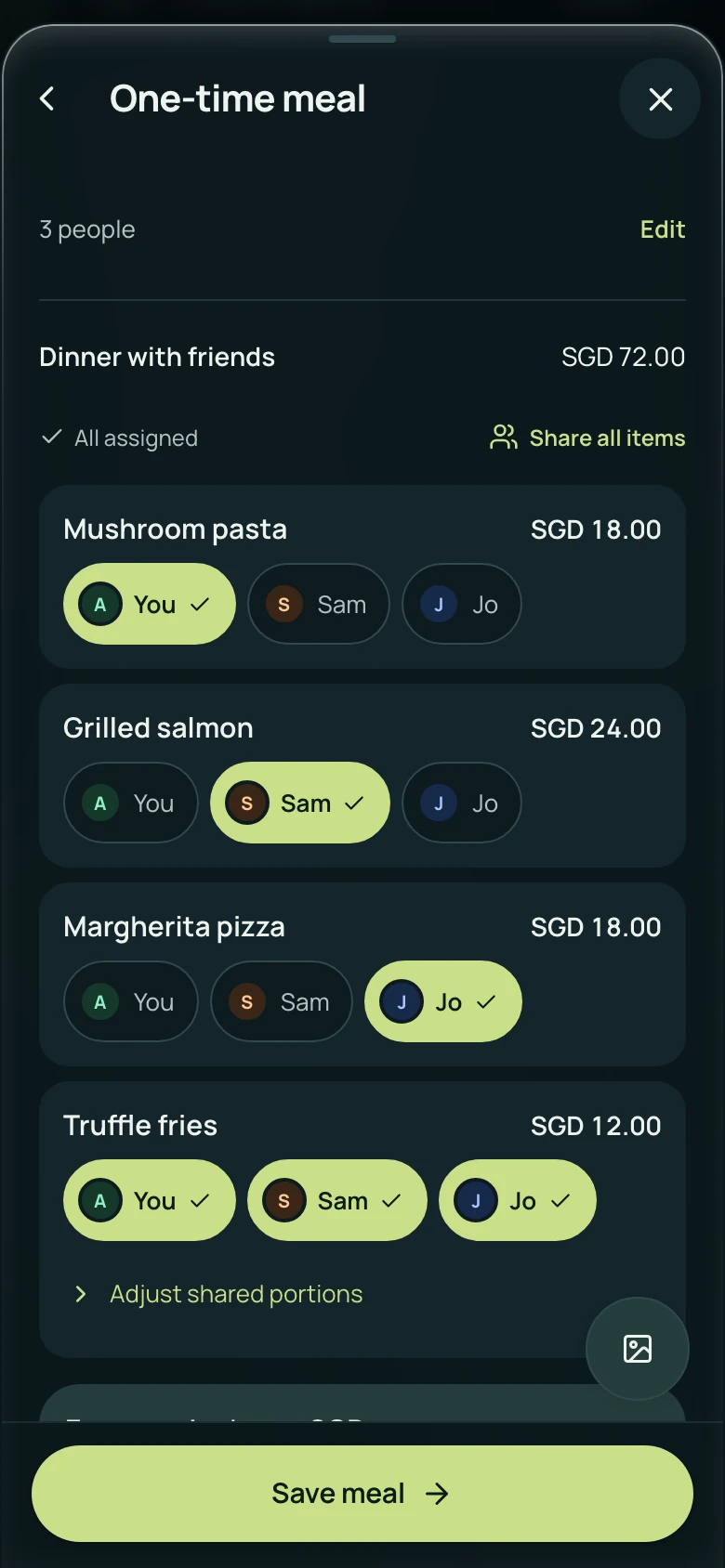
Enter the amount and who paid, or scan a receipt. Check scanned items before saving.
- Assign each person’s order.
- Share dishes between the people who had them.
- Check tax, service and the total against the receipt.
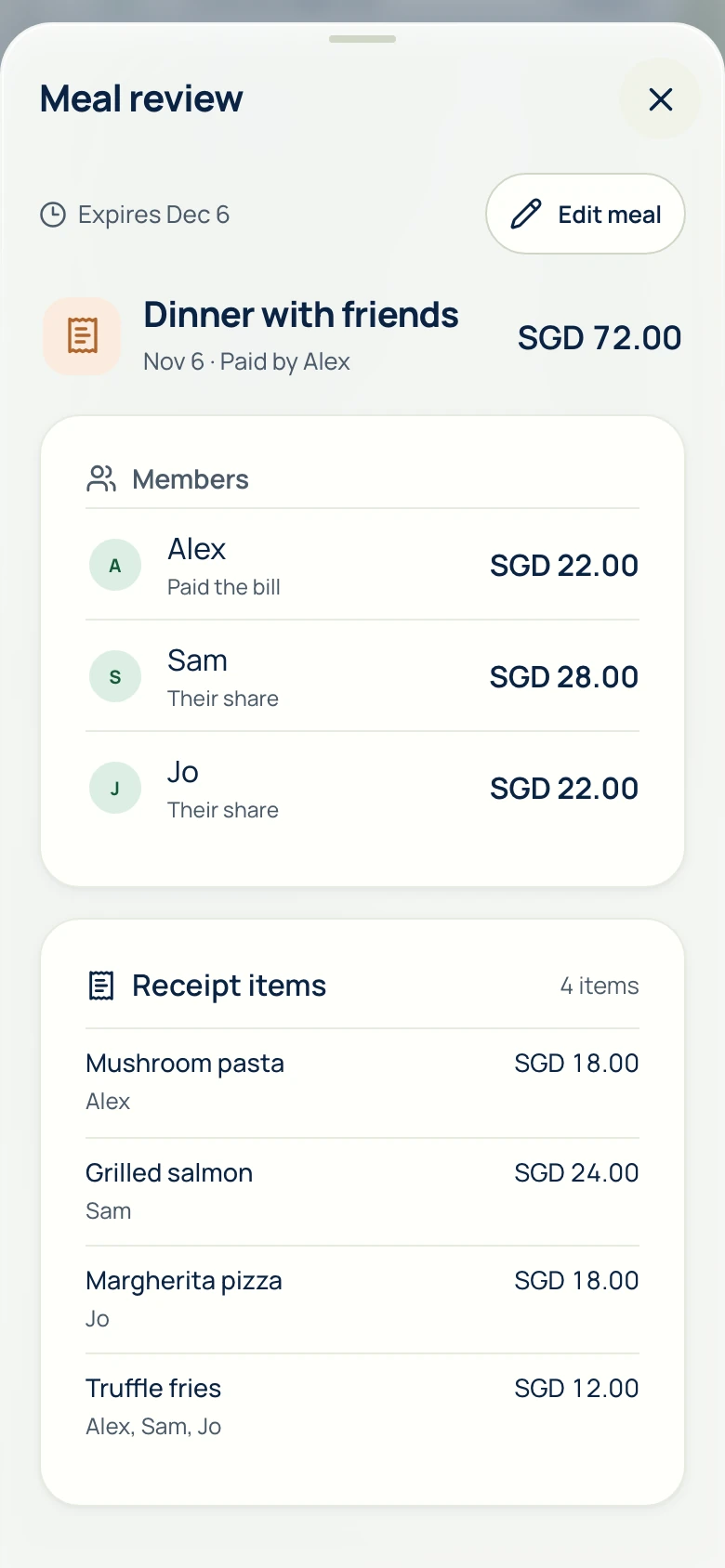
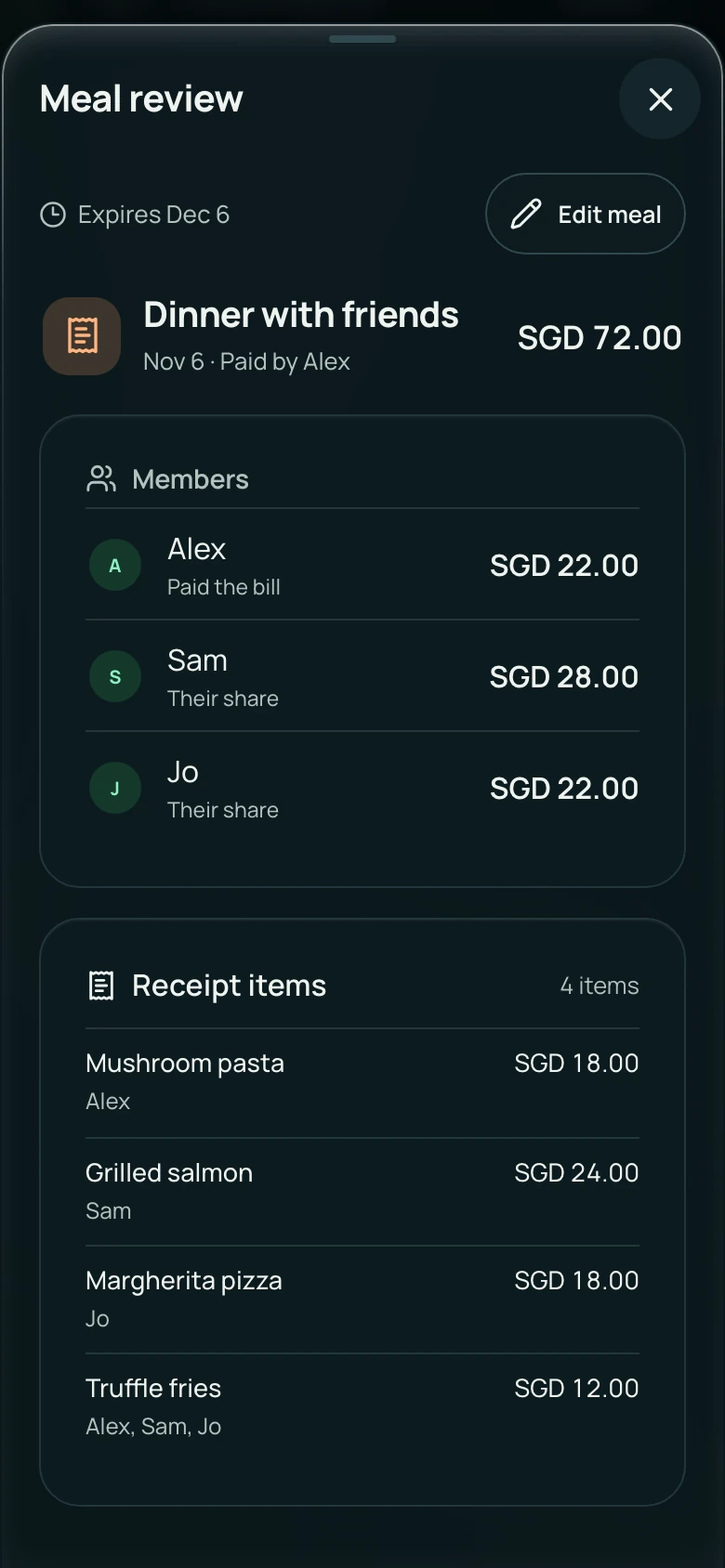
Review the breakdown together
Friends check their shares before anyone pays. Guests can open a one-time meal link without signing in for seven days. Keep the link private; you can share a new one later.
View in a browser · no account to view · seven days
Pay, then record it
Pay back through your usual bank or payment app, then record the repayment so everyone’s balance stays up to date. Recording a payment never moves money.
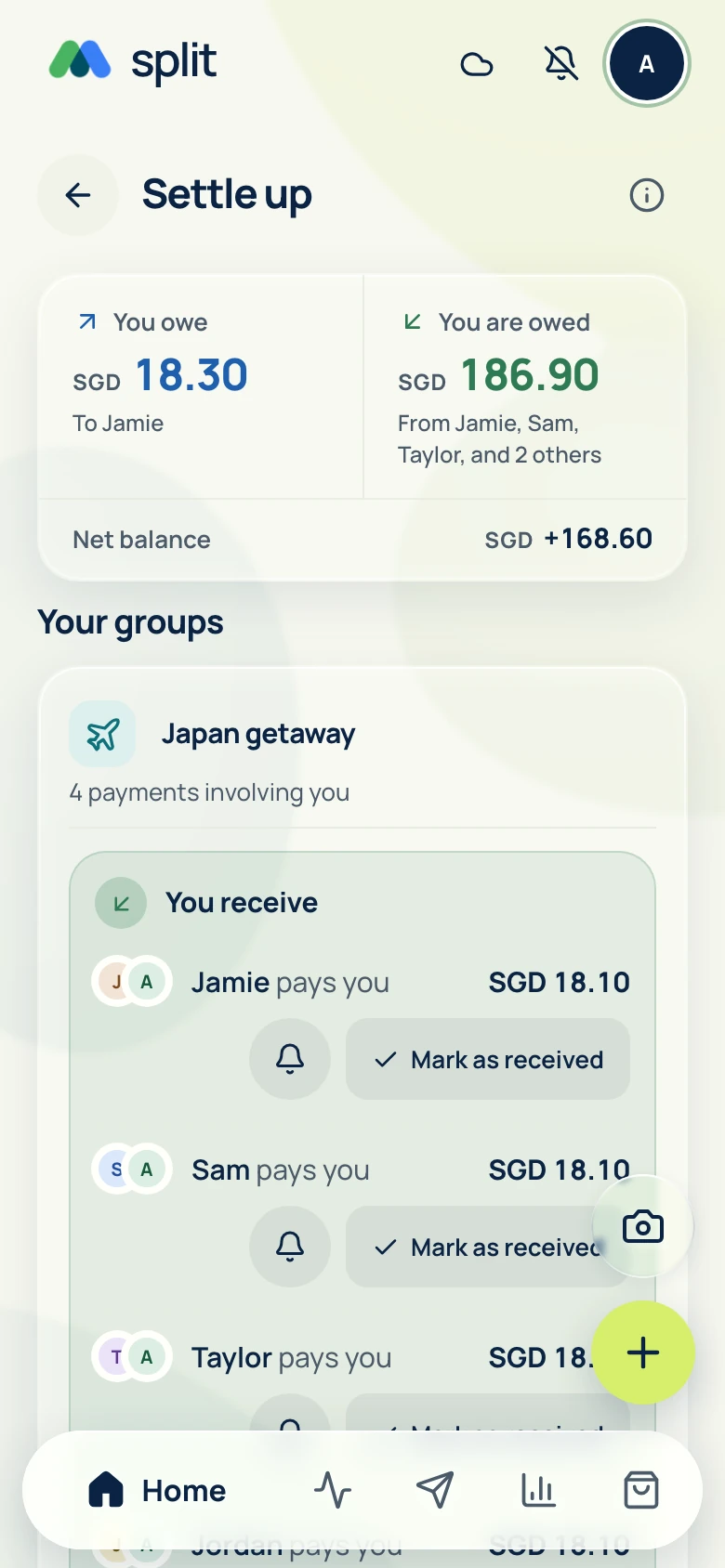
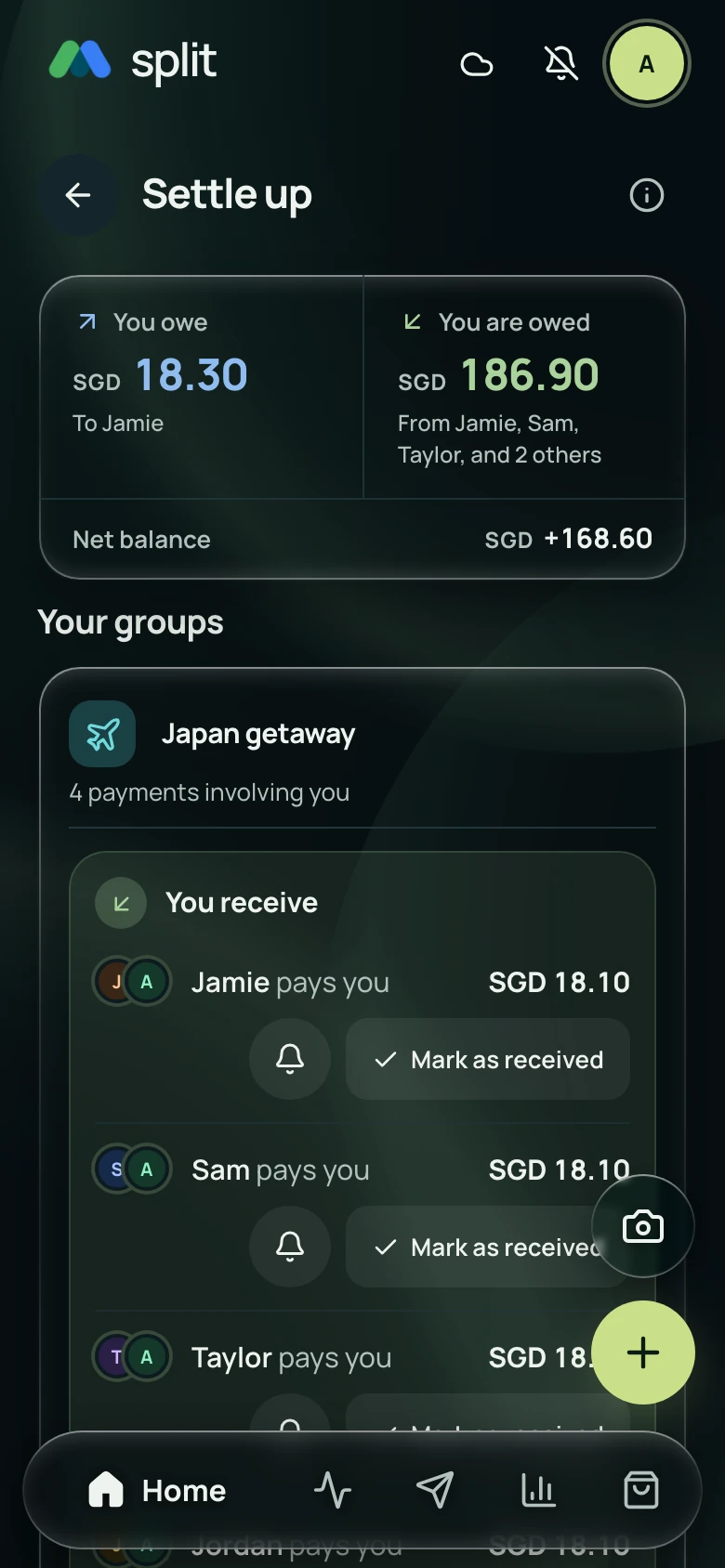
Each group lists the payments that settle it. Once the money arrives, mark it as received and everyone’s balance updates.
Keep going offline
Sign in and load your groups once while connected. After that, expenses and edits save on your phone and sync when you’re back online. Download receipt language packs ahead of time to scan offline.
Common questions
Do my friends need an account?
Not to view a one-time meal link. Friends can open it in a browser for seven days. To join a group, add expenses or save a share to Personal expenses, they sign in.
Does AA split move money?
No. AA split shows who owes whom. Pay through your bank or payment app, then record the repayment in AA split.
What is free?
Groups, splitting, settling up, Personal spending, analytics, device receipt scanning and exports are free. Every account gets free AI receipt scans each day and a monthly AI allowance for AA assistant, and optional AA credits pay for more AI help.
See Get the app for mobile availability. See what’s free · Privacy notice